


5950 E Brown Rd, Mesa AZ 85205
Mobile | Marine | Motorsports | Motorcycle
Window Tinting | Safety & Convenience | PPF | Custom Boxes | Smart Start Interlock


Largest single store Rockford Fosgate Dealer in U.S. since 2013
(480) 396-9003
FREE Shipping on ONLINE Orders over $99.99
We accept Debit, Credit, and Financing with SNAP Finance,


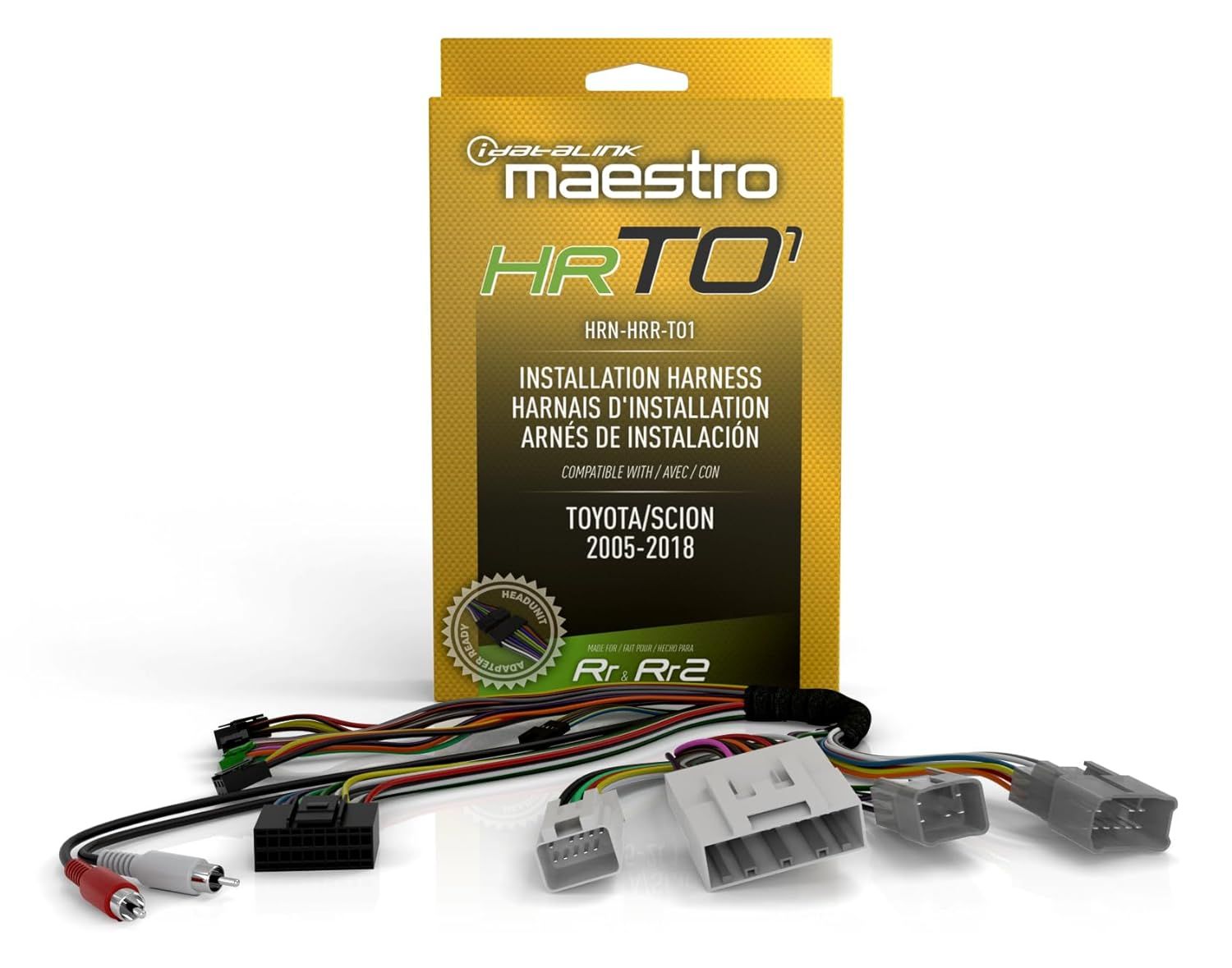
HRN-HRR-TO1
Vehicle-specific Harness
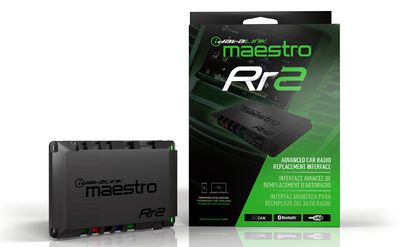
Connect a new car stereo and retain steering wheel controls and factory amp in select 2005-19 Toyota and Scion vehicles (ADS-MRR or ADS-MRR2 module also required)
Idatalink working with Toyota
Idatalink's HRN-HRR-TO1 wiring adapter works in conjunction with Idatalink's Maestro ADS-MRR or ADS-MRR2 module, allowing you to connect a new car stereo in select 2005-19 Toyota and Scion vehicles, Once connected, you'll retain the use of your steering wheel audio controls, factory amp, and backup camera in these vehicles.
The package includes connectors that plug in between the Maestro module and your factory radio's wiring plugs.
An Idatalink-ready car stereo takes full advantage of this harness
If you're buying a compatible Idatalink-ready car stereo, you'll enjoy the outstanding performance of your receiver, plus seamless touchscreen control over most of the factory features in select Toyota-built vehicles, including your backup camera and vehicle settings menu. You'll also appreciate the additional features added by the adapter, including the ability to view performance gauges and vehicle information on the screen with select Idatalink-ready receivers. This harness features an in-line head-unit connector harness, which will plug into their new "Head-unit direct" harnesses for select radio brands. If you're installing a radio that doesn't work with a "Head-unit direct" harness, you simply cut off the plug and connect the wires to the harness included with your new radio.
- Allows installation of a new car stereo in select Toyota vehicles (also requires the Maestro ADS-MRR or ADS-MRR2 module)
- Retains the use of your steering wheel audio controls, factory amp, and backup camera with any car stereo
- Retains these factory features with an Idatalink-ready stereo
- Vehicle settings personalization menu
- Displays performance data and gauges on touchscreen with select Idatalink-ready receivers
Toyota/Scion Harness: The Idatalink Maestro HRN-HRR-TO1 installation harness greatly simplifies the installation of the Maestro RR or RR2 Car Radio Replacement Interface module (sold separately) in select 2005-2018 Toyota & Scion vehicles when replacing your factory radio with an Idatalink Serial Port compatible head unit from Kenwood, JVC, Alpine, Sony, and Pioneer; or other aftermarket head unit.
- Idatalink HRN-HRR-TO1 Vehicle-specific Harness
- Front preout harness
- "A" harness, "B" harness, "C" harness, "D" harness, "E" harness, "F" harness
- OBDII connector harness
*INSTALLATION NOTE: This HRN-HRR-TO1 car stereo installation T-harness requires the purchase of the Idatalink Maestro ADS-MRR or ADS-MRR2 Interface Module (sold separately) and an Idatalink compatible aftermarket car stereo unit and it's corresponding Idatalink Maestro Car Stereo Head-Unit Harness. The HRN-HRR-TO1 supports Idatalink's Direct T-Harnesses (sold separately) for direct connection to select Idatalink Serial Port compatible head units (ACC-HU-ALP1 (Alpine), ACC-HU-PIO1 (Pioneer), ACC-HU-SON1 (Sony), ACC-HU-KEN1 (Kenwood/JVC with 22-Pin Connector) or ACC-HU-KEN2 (Kenwood/JVC with 16-Pin Connector) Installation T-Harness. Sold separately.) - replacing the wiring harness that comes with your aftermarket stereo (some hardwiring may still be required). If connecting to an aftermarket headunit that does not support an Idatalink Direct T-Harness, you'll need to cut-off and remove the 20-pin black connector from the HRN-HRR-TO1 harness and each wire spliced directly to the aftermarket radio's corresponding wire.
Get financed with SNAP Finance, and buy online.
Once approved SNAP will issue a virtual card number that you then use like a credit card
to make your online purchase.